2026-04-07
The Right Way to Use uftrace
Yesterday I discovered that using -L/--location allows uftrace to filter logs by source file path, which is very convenient—you can directly filter the code of the current project.
I tried it but the result didn't match my expectations. I wanted uftrace to filter function calls under a specified directory, but the manual only showed filtering a single specific code file.
How to figure out this feature?
I recalled when I participated in an open source internship in 2022, I was studying the usage of the HTML Tidy tool. I found that a feature toggle seemed to have no effect. To confirm, I went to look at its source code.
Exactly—go directly to the code repository and read the source. I assigned two models to study the usage of this feature at the same time, to determine whether it could actually filter by path.
Both told me it could. So I tried following their hints, and it worked.
uftrace record -P . -L 'crates/app' -L 'crates/bench' -L 'crates/contracts' -L 'crates/daemon' -L 'crates/kernel' -L 'crates/protocol' -L 'crates/spec' --srcline --no-sched --no-event ./target/uftrace/loongclaw chatYou can combine multiple -L options. Here I added paths for all modules in this project.
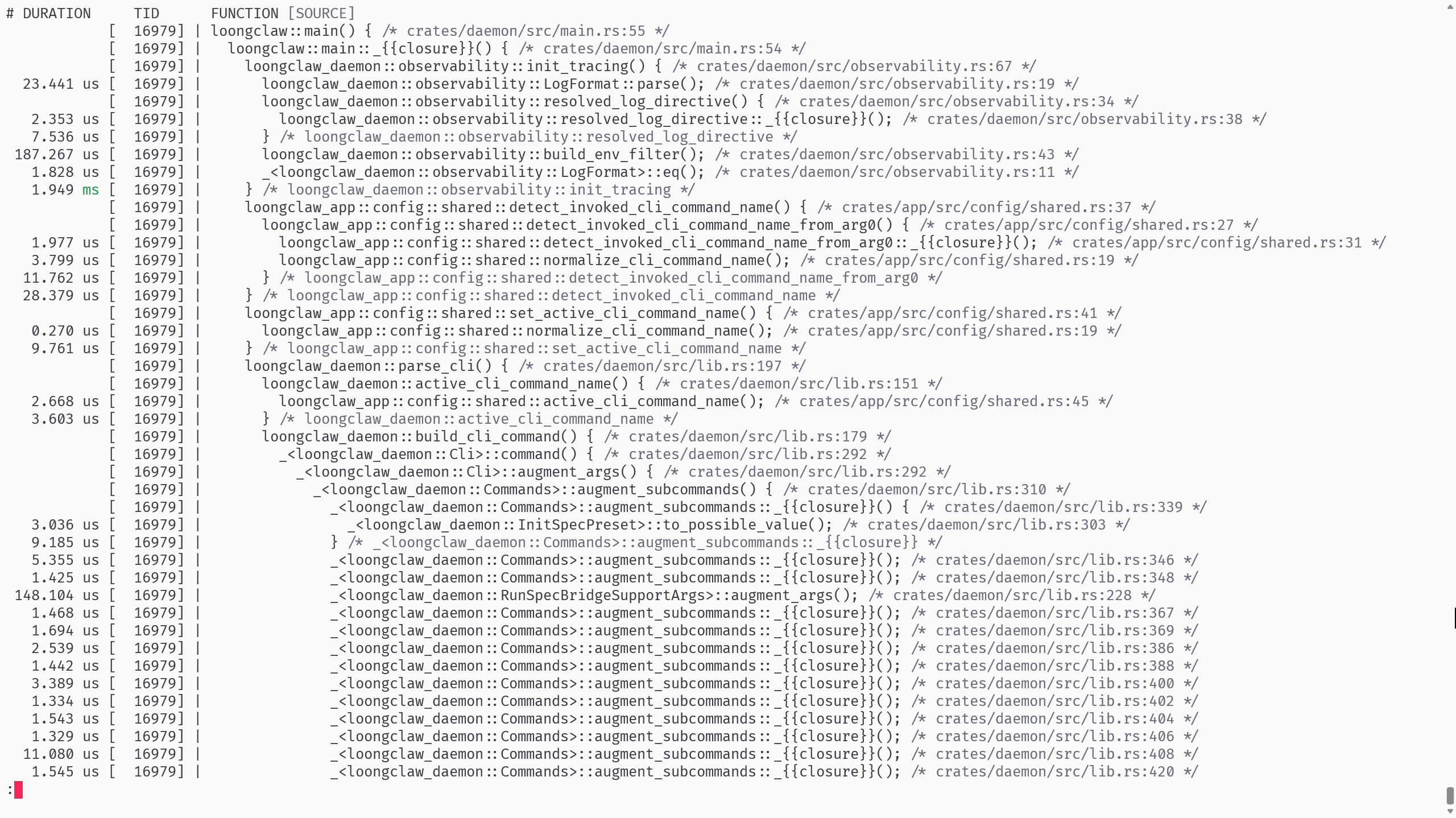
Besides replay, I also discovered a powerful tool—TUI.
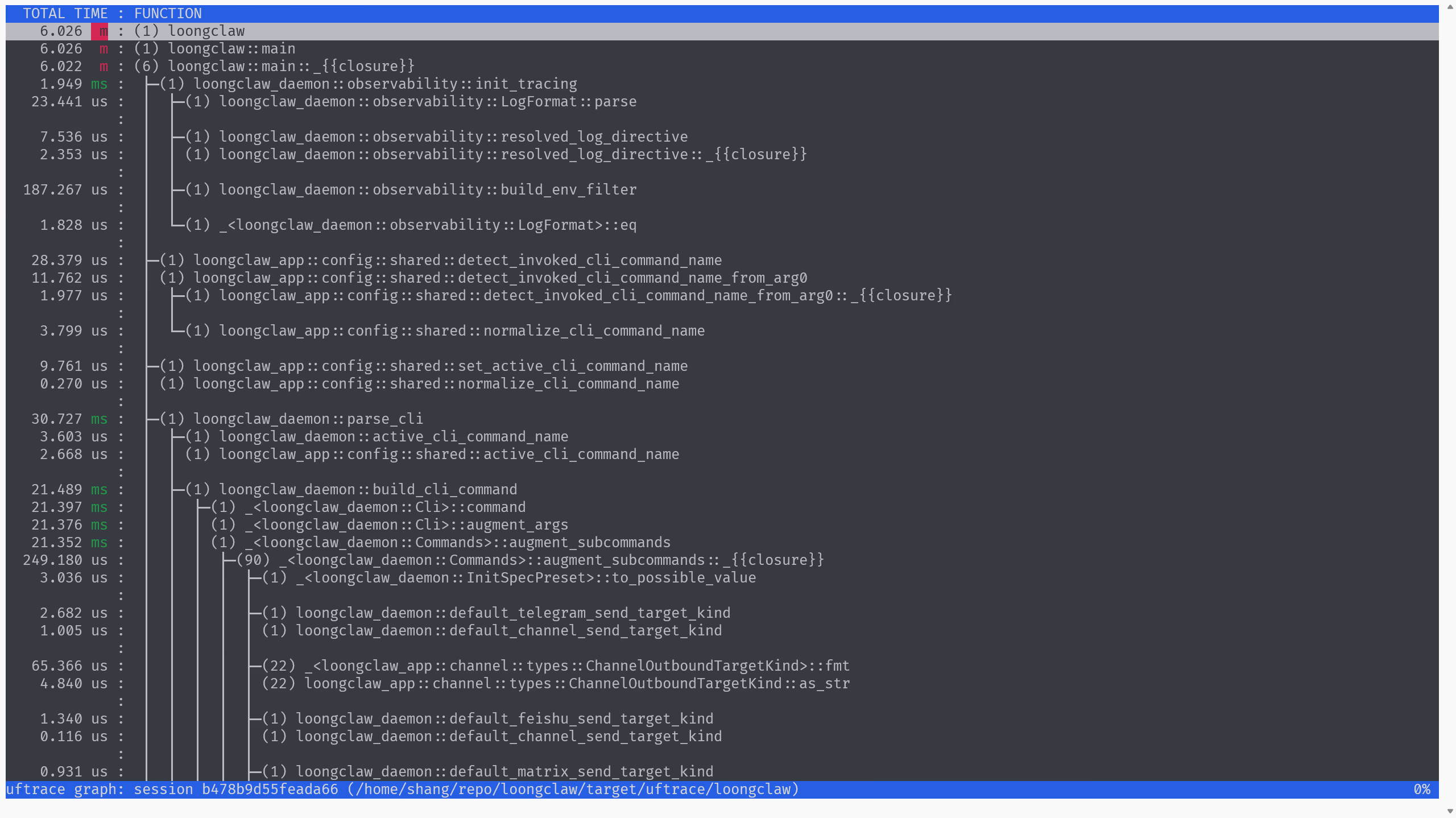
It has that vibe. The uftrace TUI is feature-rich: you can collapse subtrees, enter a function to view its calls.
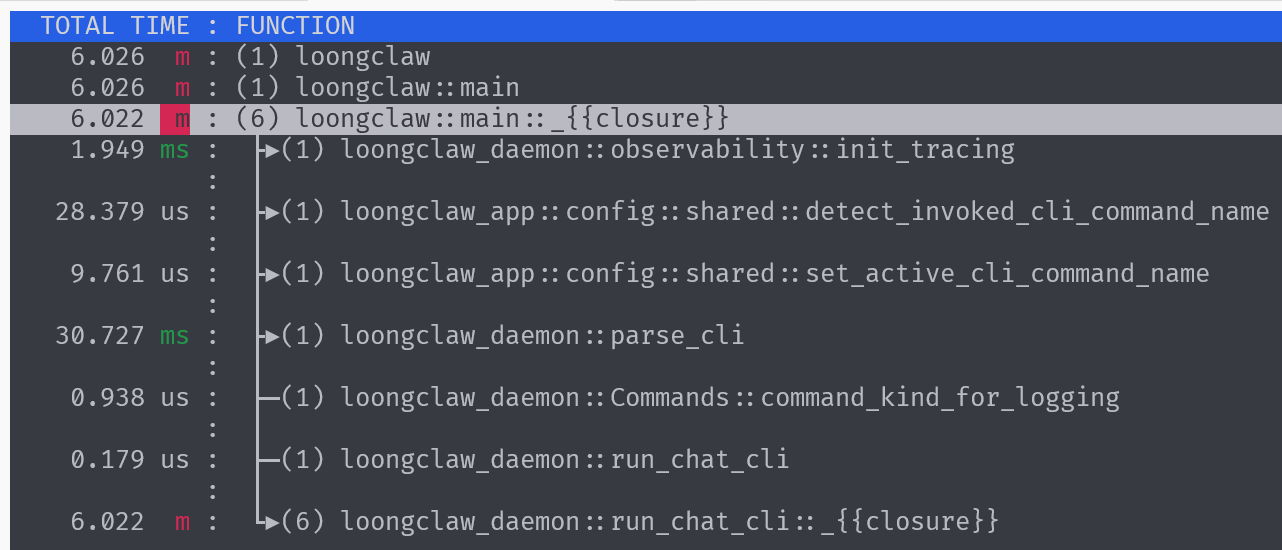
Using uftrace to Study LoongClaw
My current guess is that the best instrumentation point might be in run_cli_turn.
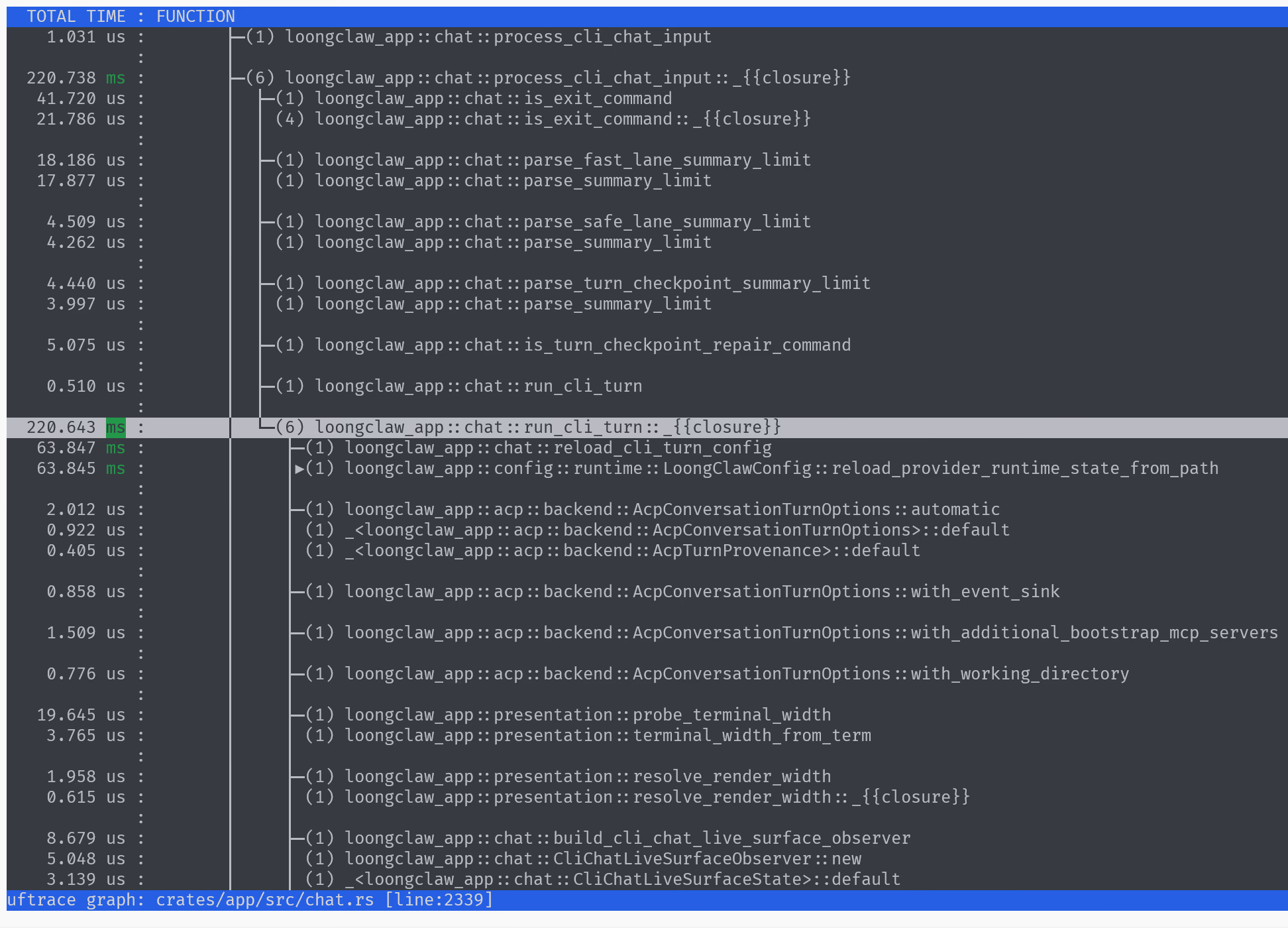
    runtime
        .turn_coordinator
        .handle_turn_with_address_and_acp_options_and_observer(
            &turn_config,
            &runtime.session_address,
            input,
            ProviderErrorMode::InlineMessage,
            &acp_options,
      crate::conversation::ConversationRuntimeBinding::kernel(&runtime.kernel_ctx),
            live_surface_observer,
        )
        .await
crates/app/src/conversation/turn_coordinator.rs has over ten thousand lines of code... There seems to be some duplication here. AI says many methods are thin wrappers, because Rust doesn't have overloading, so they use this approach.
But why so many methods? How to investigate why this many are needed?
- Manual inspection
- Look at the calls
- See which one is actually invoked during runtime
- AI analysis